

Settings
Manage account profile, billing, notifications, and farm preferences in one place.
Understanding the Settings Screen
The Settings tab lets you manage your account, subscription, and app preferences.
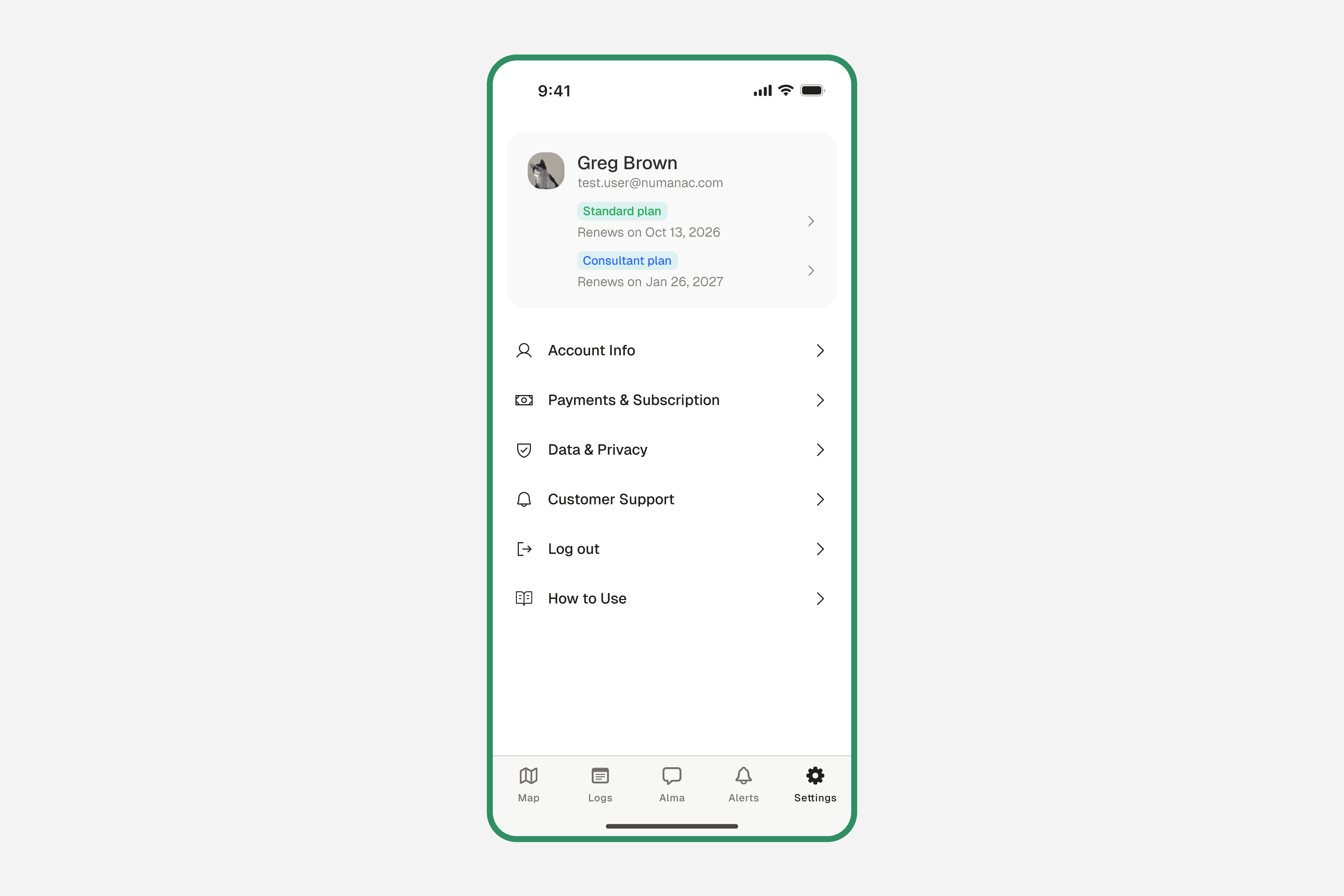
Account Info
Update your name, email address, and profile photo.
Payments & Subscription
Manage your plan, add team seats, and view invoices.
Data & Privacy
Control your data settings and privacy preferences.
Customer Support
Get help or contact the Numanac team directly from the app.
Log out
Sign out of your account on this device.
How to Use
Access in-app guides and tutorials for Numanac.
Managing Your Subscription
To change your plan or add team seats, go to Settings → Payments & Subscription. From there you can:
- ✓Upgrade or switch between Free, Pro, and Multi-Op plans
- ✓Add or remove team member seats
- ✓View and download past invoices
- ✓Update your payment method
Need help with your account? Contact our support team at support@numanac.com